We have chosen Cognito Forms as our preferred Forms Platform due to the quality of their product and the low cost involved. While HR Manage has its own built-in Forms module, the built-in forms are only available for use within a workflow and by people (i.e. employees and contractors) with access to the HR Manage Online web application. Cognito Forms extends HR Manage by allowing external people to complete a form on their platform (or even on a custom website) which will in turn kickstart a new workflow in HR Manage. Information captured in the external form as well as all attachments are then stored in the workflow and can be used for onboarding, recruitment and more.
We are working with Cognito Forms to expand our integration with them in future versions to allow for a “Complete Cognito Form” activity in our workflow that would allow external people to complete forms that feed back into workflows in HR Manage.
Cognito Forms prices start at $19 per month which caters for 2000 entries / submissions per month while their most expensive plan is currently $129 per month for unlimited entries / submissions. To sign up and receive a free month of advanced form building, click here.
Document Signing Portal update
With the latest HR Manage release, we’ve also made improvements to our Document Signing portal that allows external people to electronically sign documents on a public portal that is then saved back to HR Manage. We’ve standardised the email request that is sent to recipients with a professional looking template so that each client don’t need to design their own template from scratch. The Document Signing portal is a standard service that is included in the HR Manage subscriptions (part of Workflow module) that doesn’t cost anything extra, regardless of signature requests.
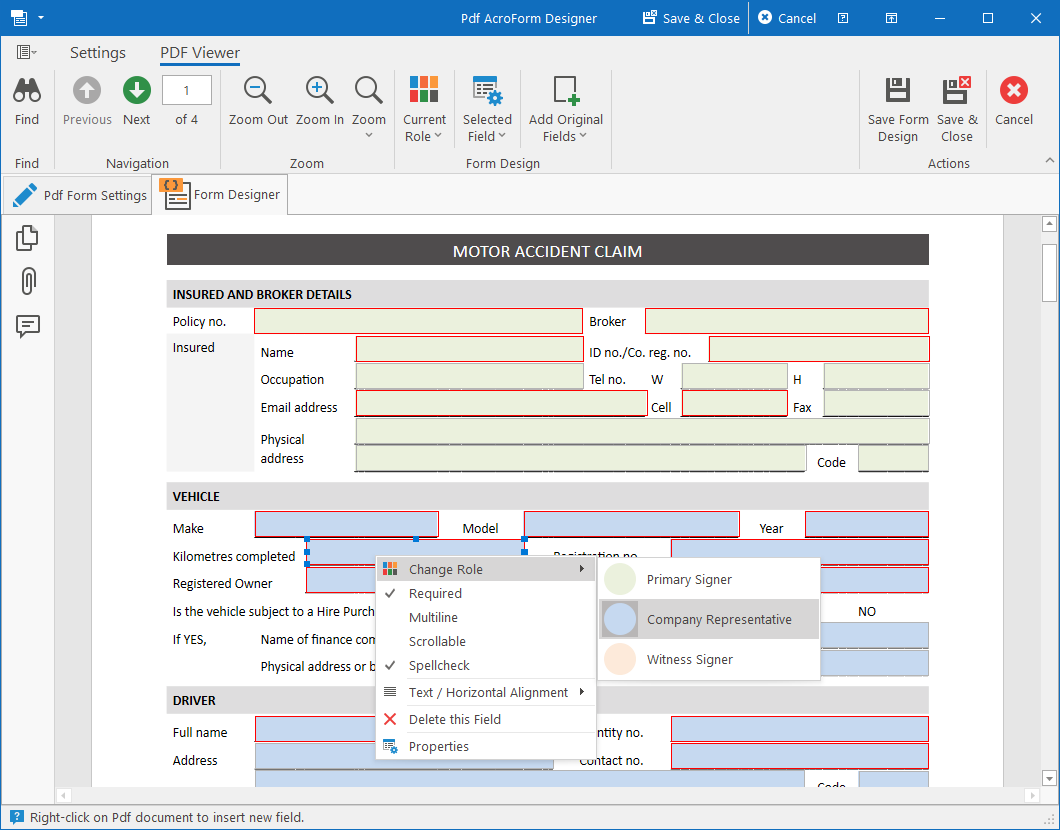
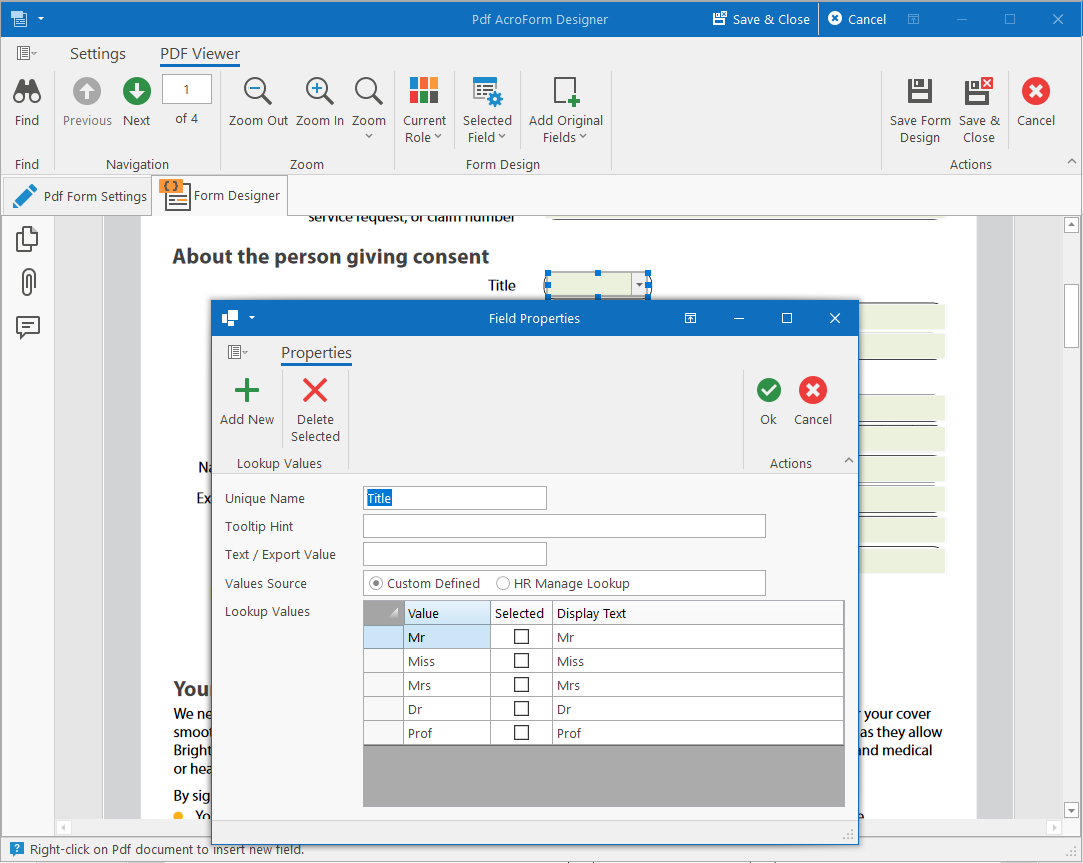
It is however designed for use within the HR Manage ecosystem. So rather than loading a document, specifying the fields to be captured, signature boxes and who must sign what, our solution is template based. A template is designed for documents that consists of roles, fields and signature boxes. During execution in the workflow, the source document is loaded or custom generated and the template is applied by automatically assigning people to the different roles and generating a full sign request that is then sent to recipients.